
Corporate Event Photo Sharing App for Attendee Photos
Professional photo sharing for conferences, team events, and company celebrations.
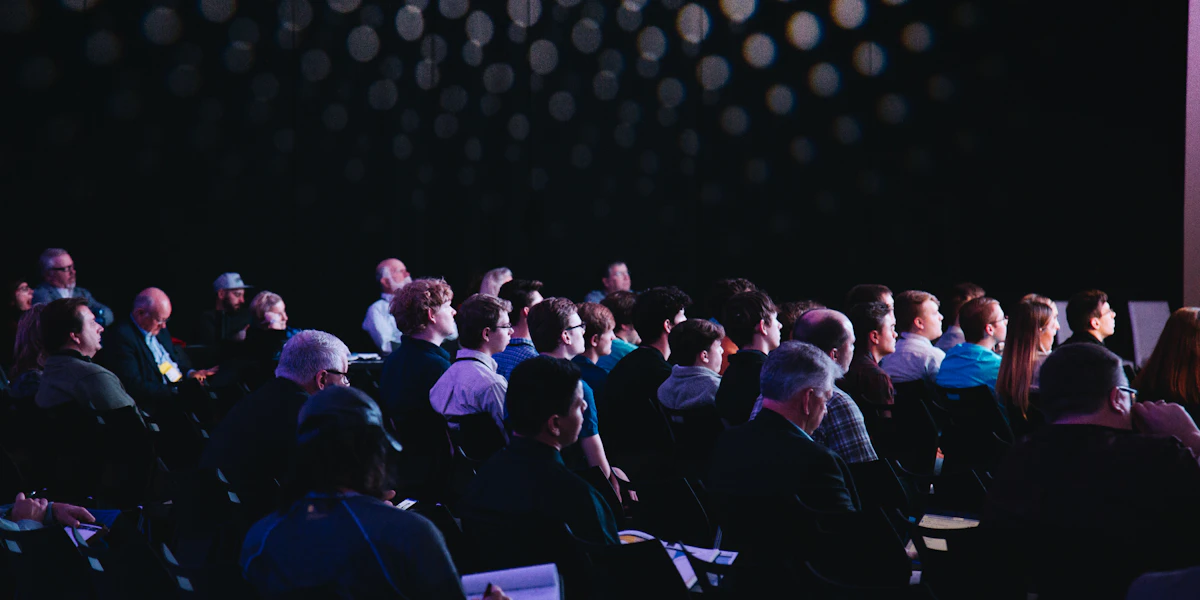
Corporate events generate valuable content, team bonding moments, keynote reactions, networking connections. But collecting these photos professionally requires the right approach.
Why Corporate Events Need Photo Sharing
Marketing Content
Authentic photos for social media, newsletters, and internal comms
Team Engagement
Shared galleries build connection and company culture
Event Documentation
Capture every session, speaker, and networking moment
Brand Control
Moderate content and maintain professional standards
Consent Comes First
Corporate photo sharing differs from a wedding in one decisive way: attendance is not entirely voluntary. Someone at a company offsite did not choose to be photographed the way a wedding guest did, and a few of them will have good reasons for not wanting their picture on LinkedIn.
Handle this before the event, not after a complaint. Say in the invitation that photos will be collected and where they may be used. Give people a simple way to opt out that does not require a conversation with their manager, and honour removal requests without asking why. If you are operating in the EU or photographing EU staff, treat the images as personal data and be able to answer where they are stored and how long you keep them.
A common and avoidable mistake is using candid staff photos in external marketing when the consent you collected only covered internal use. Keep those two purposes clearly separate.
Moderation Is the Feature That Matters
At a wedding, a bad photo is a mild embarrassment. At a company event with a client in the room and an open bar, it is a problem someone has to explain. The practical requirement is that a named person can remove an image quickly, ideally before it appears on any screen at all.
If you plan to display a live gallery, use a hold-and-approve step instead of publishing instantly. It adds a small delay and removes almost all of the risk. Decide in advance who is watching the queue during the event, because "the marketing team" in the abstract means nobody in practice.
Getting Photos You Can Actually Use
Most corporate galleries fill up with blurry shots of the backs of people's heads during a keynote. If the point is marketing content, ask for something specific instead of hoping for the best.
- Name what you want. "Photos of people talking to each other" produces far better material than "share your photos". Networking shots, workshop tables and the queue for coffee all beat stage photography taken from row fifteen.
- Put codes where conversations happen. Catering tables, breakout rooms and registration, not just the main stage.
- Keep originals. If a photo might end up in a printed report or a booth banner, you need full resolution. Compressed images look fine in a deck and fall apart at size.
- Collect on the day. Asking people to send photos the following week produces almost nothing, because everyone is back at work.
Conferences, Offsites and Parties Are Not the Same Job
Conferences and trade shows are about volume and reach across a large venue. One code will not do it: put the code in the programme, on table signage and at your stand. Our conference photo sharing guide covers the multi-room case in more detail.
Team offsites and away days are about culture, not marketing. Here a live gallery genuinely helps, because seeing photos appear during the day is part of the point. Consent is still needed, but the audience is internal, which simplifies it.
Christmas parties and company socials carry the most risk and deserve the tightest moderation. Alcohol, colleagues and a permanent record are a combination worth handling carefully. Set the gallery to approve-before-publish, and make clear it is not for external use.
Product launches and client events have guests who are not employees at all, which changes the consent picture again. Clients have not signed anything, so avoid using their faces in marketing without asking directly.
Practical Setup
Test the venue wifi before the event and assume conference centre networks will be saturated when 300 people arrive. Size codes for the distance they will be read from: about 2 to 3cm on a table card, at least 10cm on standing signage. Brief whoever is on registration so they can answer "what is this code" without hunting for someone. And agree, in advance, who downloads the archive and where it lands afterwards, because galleries expire and the person who set it up is rarely the person who needs the photos three months later.
You can generate branded codes with our free QR code generator, or see the full feature list on the corporate events page.